WordPress Image Optimization Plugin with AI Alt Text
Optimize your entire WordPress media library with one click. Generate SEO-friendly alt text, convert to modern formats, and speed up your site instantly. Running a store? See our WooCommerce optimization features.
Not sure you need it? Scan your site free with our Alt Text Checker.
Seamless Media Library Integration
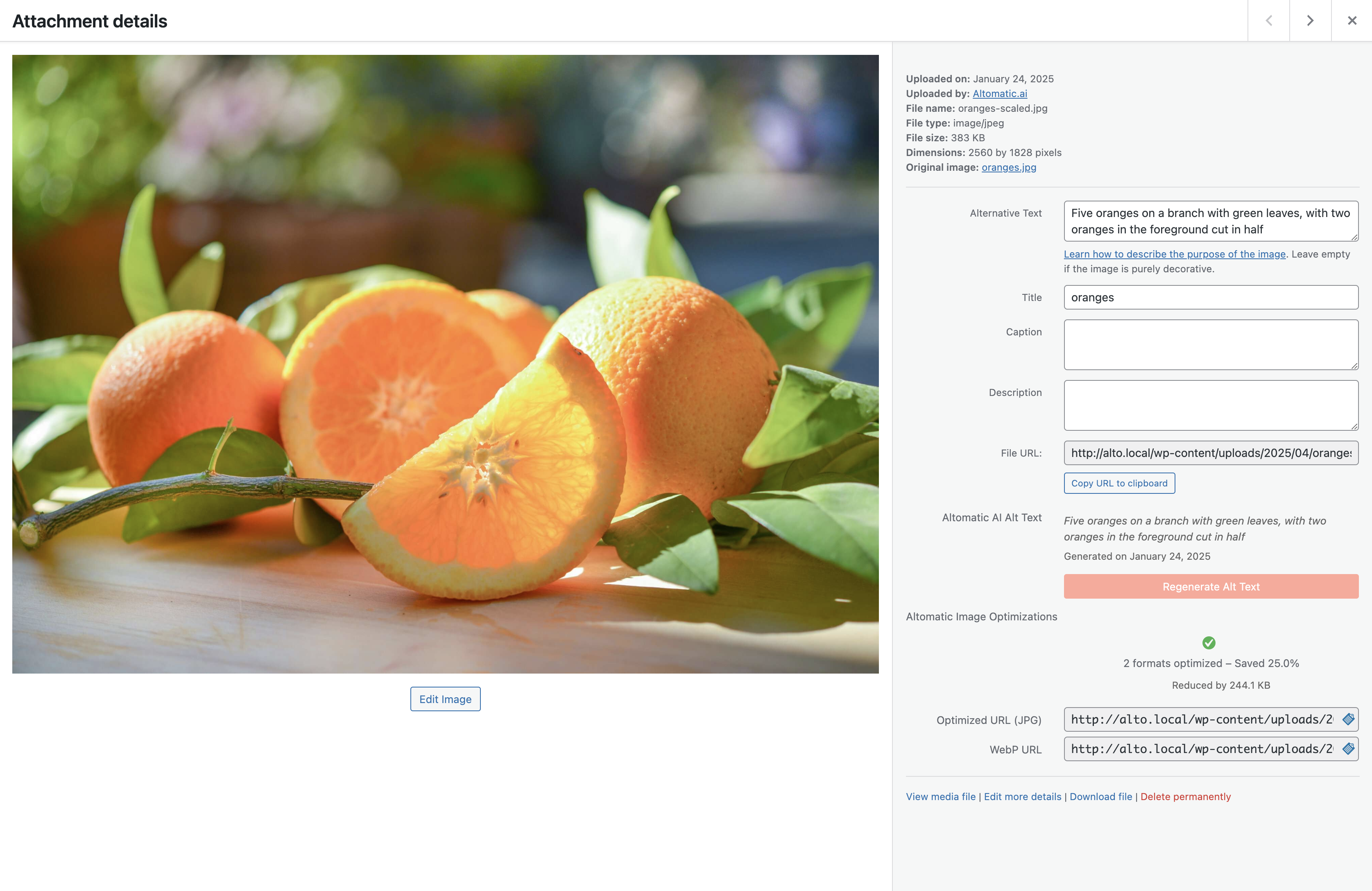
One-Click Optimization
Optimize images directly from your media library. Batch process existing images or automatically optimize as you upload.
Smart Alt Text
Generate contextual, SEO-optimized alt text for any image. Edit or regenerate with one click.
Format Conversion
Automatically convert images to WebP and AVIF with fallbacks for maximum compatibility.
Powerful Bulk Processing
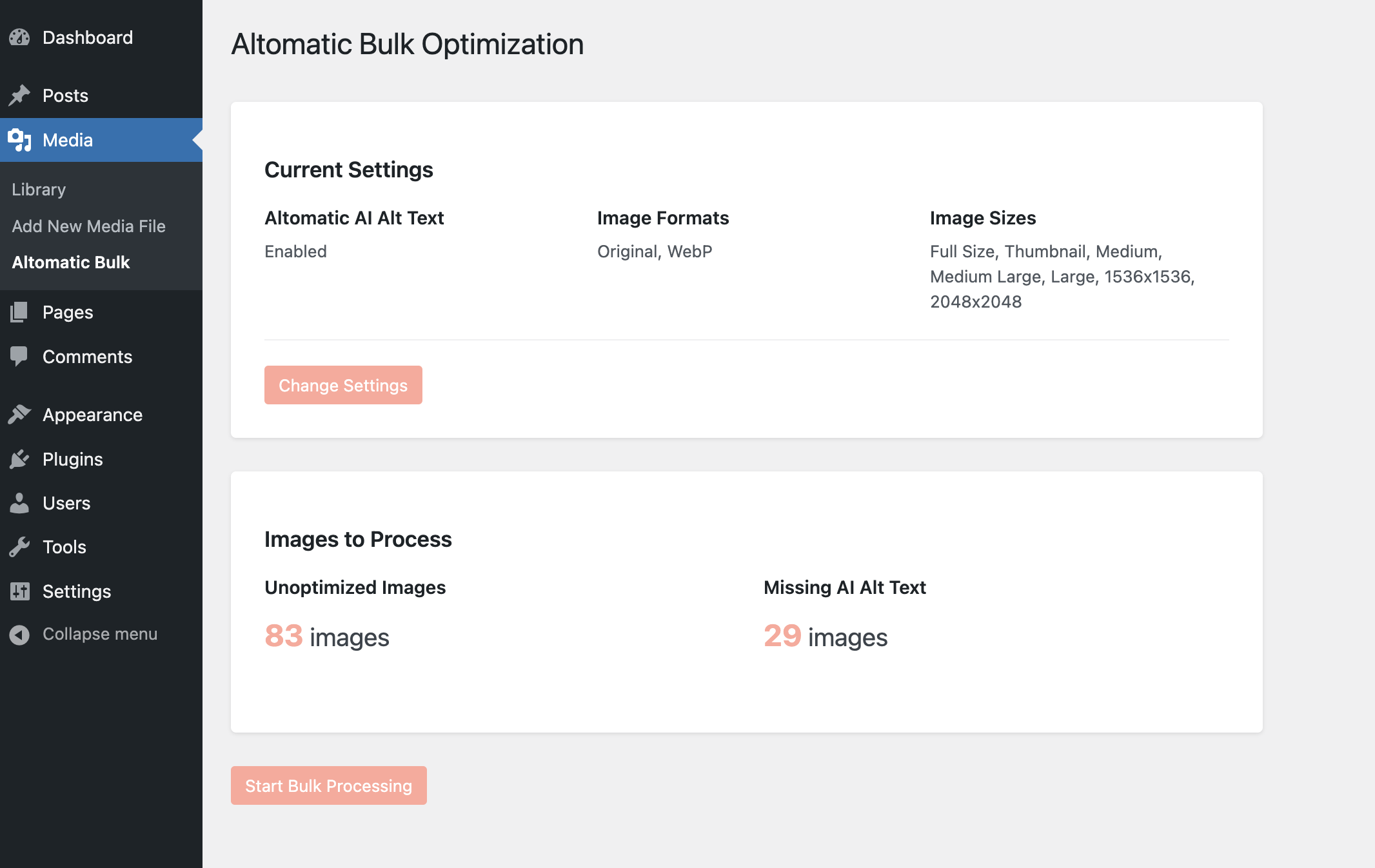
Process in Batches
Optimize your entire media library in the background. Process thousands of images with automatic error recovery.
Progress Tracking
Monitor optimization progress, see statistics, and track storage space saved in real-time.
Smart Queue
Intelligent queuing system prevents server overload and ensures reliable processing.
Easy Configuration
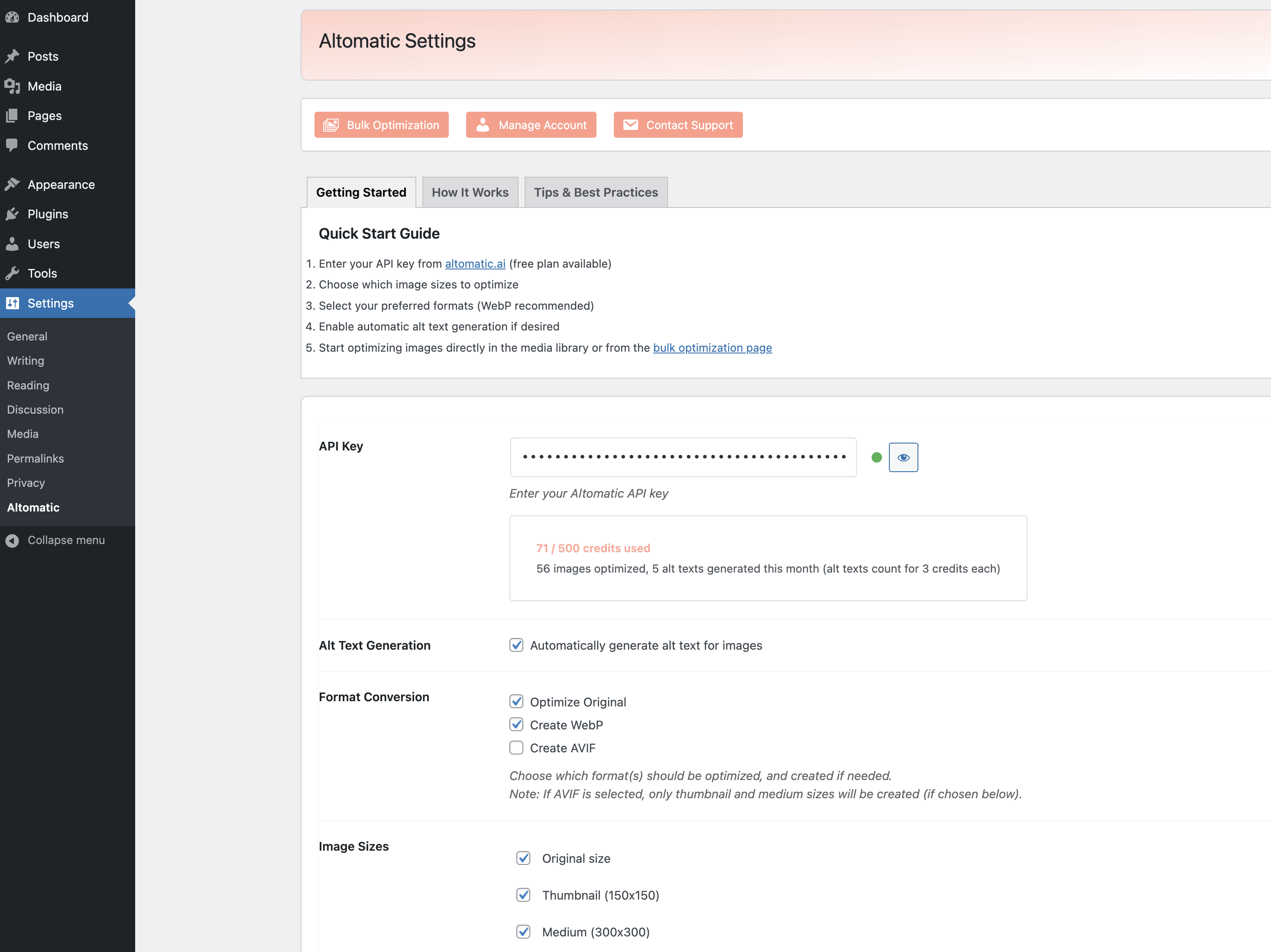
Simple Setup
Get started in minutes with our guided setup process. Just enter your API key and start optimizing.
Flexible Options
Choose which image sizes to optimize, enable automatic optimization, and configure format conversion.
Credit Management
Monitor credit usage, view optimization statistics, and manage your subscription directly in WordPress.
Everything You Need
Intelligent Compression
Smart compression algorithms maintain visual quality while reducing file size by up to 75%.
Modern Formats
Automatic conversion to WebP and AVIF with fallback images for older browsers.
Automatic Alt Text
AI-powered alt text generation for better SEO and accessibility compliance.
Bulk Processing
Process your entire media library with automatic error handling and recovery.
Page Builder Support
Compatible with popular page builders including Elementor, Divi, and WPBakery.
Detailed Stats
Track optimization results, storage saved, and credit usage with detailed analytics.
Integrates with your favorite tools
WCAG & ADA Compliance Made Easy
Missing alt text is the #1 accessibility violation on the web. Our AI generates descriptive, contextual alt text that helps screen reader users understand your images, while boosting your SEO at the same time.
- Supports WCAG 2.1 Level AA compliance for image alt text
- AI describes images accurately for visually impaired users
- Avoid accessibility lawsuits with proper image descriptions
Frequently Asked Questions
Does the WordPress plugin work with WooCommerce?
How does AI alt text help with accessibility?
Will image optimization slow down my WordPress site?
What image formats does the plugin support?
Ready to optimize your WordPress site?
Get started with 50 free credits a month. No credit card required.